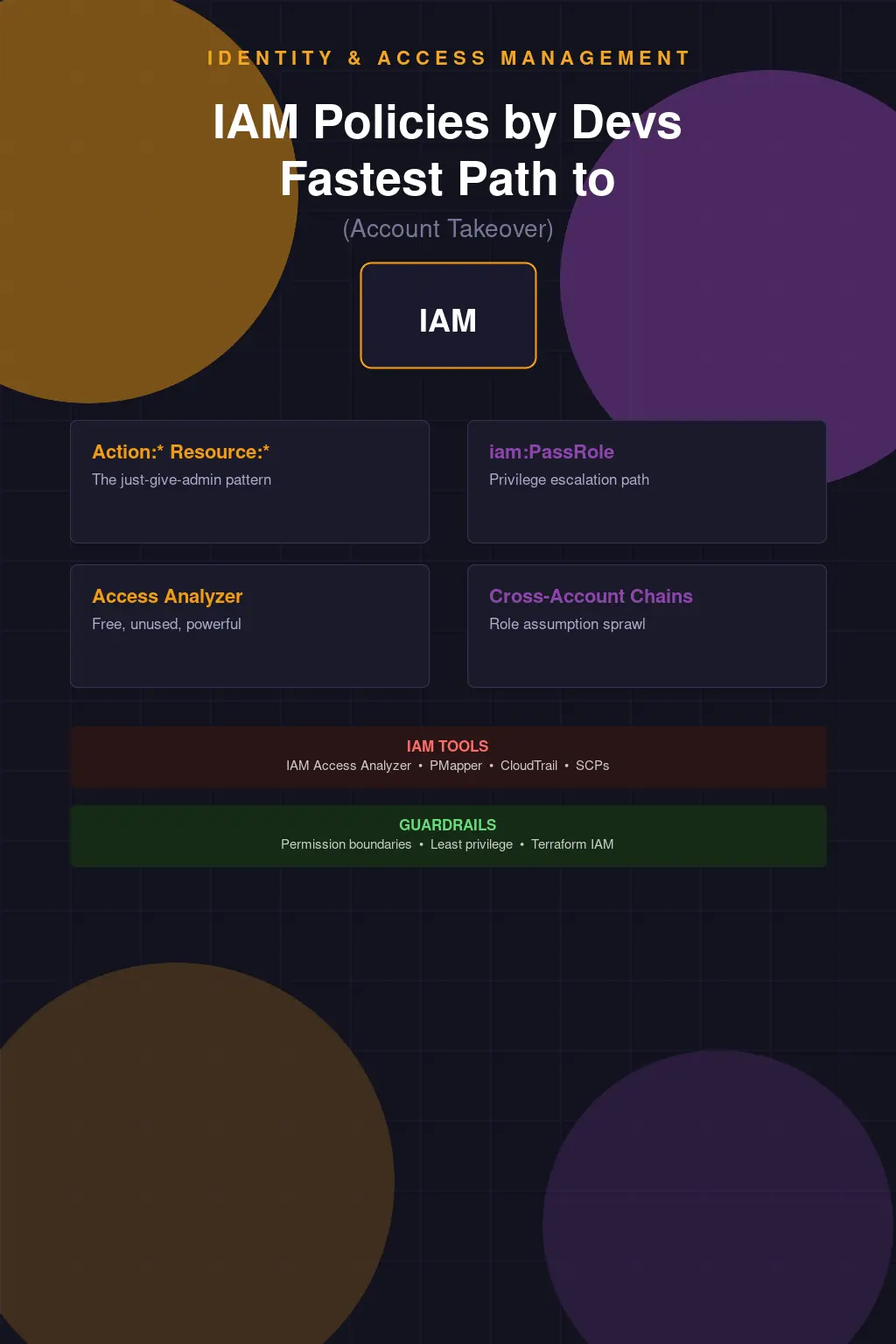
IAM Policies Written by Developers Are the Fastest Path to Account Takeover
I've seen this happen enough times that I can narrate the whole story before I'm even told it. Developer needs to write a Lambda function. Lambda function needs to read from S3 and write to DynamoDB. Developer looks up how to create an IAM role. Finds a Stack Overflow answer. The answer has "Action": "*", "Resource": "*" in the policy document, because the person who wrote that answer was trying to make their example work and didn't care about least privilege. Developer copies it, it works, ships to production. Three months later your AWS account is exfiltrating data to an IP in Latvia and you're trying to explain to your CISO how a Lambda function had full account access.
This isn't a developer failing. Developers are not, by default, IAM experts. IAM is complicated enough that people who work on it full-time still make mistakes. The AWS IAM policy evaluation logic alone is a document that takes a meaningful amount of time to actually understand — the interplay of identity-based policies, resource-based policies, SCPs, permission boundaries, session policies, and the order in which they're evaluated is non-obvious and has edge cases that catch experienced engineers. Expecting developers to get this right without tooling, guardrails, or training is setting them up to fail.
How AWS Actually Evaluates IAM Policies (and Where It Breaks)
The evaluation logic matters because it determines when a Deny overrides an Allow and when it doesn't, and getting this wrong leads to both over-permission and under-permission. The short version: explicit Deny always wins against any Allow. If nothing explicitly allows an action, the default is Deny. If you're operating within an AWS Organization, SCPs form an outer boundary — even if an identity policy grants Action: "*", the SCP can restrict what actions are actually allowed. Permission boundaries work similarly but at the individual principal level.
The practical consequence of this is that "Action": "*", "Resource": "*" in an identity policy doesn't actually grant unlimited access if you have good SCPs in place. The SCP is a guardrail that limits the maximum effective permissions regardless of what identity policies say. Organizations that have implemented SCPs well — restricting things like turning off CloudTrail, leaving designated regions, creating IAM users without MFA, disabling GuardDuty — have a meaningful safety net even when individual identity policies are overly permissive. Organizations without SCPs have no such backstop.
But let's be honest about what "good SCPs" requires: you need someone who understands the permission boundary well enough to write them correctly, you need a process for updating them as your requirements change, and you need to test them so you know they're doing what you think they're doing. Most AWS organizations don't have SCPs at all, or they have a handful that were written once and never reviewed.
Privilege Escalation: The Paths Developers Don't Know They're Creating
The IAM privilege escalation paths that concern me most aren't the ones that require exotic API calls — they're the mundane ones that appear constantly in developer-managed policies because the permissions seem harmless in isolation. iam:PassRole is the canonical example. The ability to pass a role to a service sounds innocuous — you're just telling a service which role to use. But if you can pass any role, including one that has broader permissions than your own, you've effectively escalated your privileges. Create an EC2 instance, pass it a role with admin access, exec into the instance, use the instance's credentials. You went from having limited permissions to having admin access in a few API calls.
iam:CreatePolicyVersion is another one. If you can create a new version of an existing policy and set it as the default, and that policy is attached to a privileged principal, you can overwrite the policy with whatever you want and then assume those privileges. Rhinosecurity published a comprehensive list of IAM escalation paths years ago, and it's still largely accurate. The paths they documented — CreateRole, AttachRolePolicy, UpdateAssumeRolePolicy, and many others — each represent a combination of IAM permissions that allows privilege escalation. These permissions show up in developer-managed policies constantly because individually they're common requirements. The dangerous combinations are what most people don't think to check.
I regularly run Cloudsplaining or PMapper against AWS accounts as part of security assessments, and the number of privilege escalation paths in an average account is almost always surprising to the people who manage it. Not because anyone put them there deliberately, but because IAM policies accumulate over time and the cumulative effect is a web of permissions that nobody has ever analyzed holistically.
IAM Access Analyzer: Use It, It's Already Paid For
IAM Access Analyzer is built into AWS and it's free to enable. It does two things that are genuinely valuable: it identifies resources in your account that are accessible from outside your account or AWS organization (finding overly permissive S3 buckets, KMS keys, Lambda functions, etc.), and it has a policy validation feature that checks policies against security best practices and flags things like wildcard actions, missing condition keys for sensitive actions, and unused permissions.
The number of AWS accounts I've assessed where IAM Access Analyzer wasn't enabled is depressing. It's a no-cost, no-deployment-effort tool that surfaces real findings, and people are leaving it off. Enable it in every account. Route its findings to your SIEM or ticketing system. Actually look at what it tells you. The external access findings in particular often surface things that nobody knew were public — S3 buckets with overly broad bucket policies, SNS topics that allow any AWS account to publish, Lambda functions with resource-based policies granting access to unknown external principals.
The "Just Give It Admin for Now" Pattern and Why It Becomes Permanent
There's a specific form of technical debt in IAM that I'd call provisional admin — permissions granted at an elevated level because scoping them correctly would take time, with the explicit intent of tightening them "later." Later is a place you never arrive at. Once something is working with admin permissions, there is almost no organizational incentive to scope it down. Scoping it down risks breaking it. Breaking it creates an incident. Creating an incident is bad for everyone involved. So the provisional admin stays provisional forever.
I worked with an organization that had a data pipeline processing PCI-in-scope cardholder data. The pipeline ran as a role with AdministratorAccess. When I asked why, the answer was "when we set it up we weren't sure what permissions it needed, so we gave it admin and planned to scope it down once we understood the requirements." That was two years before I had that conversation. The pipeline was processing payment data with full AWS account access. The person who built it had left the company. Nobody knew what it actually needed. Nobody was going to find out, because any attempt to remove permissions might break it and nobody wanted to own that.
The fix for this pattern is to bake least-privilege analysis into the deployment process, not treat it as a cleanup activity afterward. AWS has a feature in IAM Access Analyzer that generates least-privilege policies from CloudTrail activity — you let a role run for a period of time, then generate a policy based on the actions it actually used. That's the right approach: deploy with a reasonably scoped policy, observe what it actually needs, tighten based on observed behavior. It requires a process change, but it's achievable.
Cross-Account Role Assumption: The Chain of Trust Nobody Documented
Multi-account AWS architectures are security best practice — workload isolation, blast radius reduction, billing separation. They're also a source of complex trust relationships that are easy to get wrong and hard to audit. Cross-account role assumption chains create implicit trust paths that aren't obvious from looking at any single account in isolation. Account A can assume a role in Account B. Account B has a role that can assume a role in Account C. Account C has a role with admin access. An attacker who compromises any principal in Account A can follow that chain to Account C admin. If you haven't modeled those chains, you don't know your blast radius.
PMapper (Principal Mapper) is the tool for this analysis. It builds a graph of IAM principals and the assumption paths between them, then finds paths to privilege. Run it against your organization and look at how many paths to admin-equivalent access exist. The number is usually higher than expected, and the paths often run through roles that were created for specific automation purposes and weren't intended to be part of an escalation chain.
CloudTrail for IAM Forensics: The Evidence You Actually Have
CloudTrail records every API call made in your AWS account, including all IAM operations. This makes it invaluable for both security investigations and proactive monitoring. When something goes wrong — a credential is compromised, an insider threat acts, a misconfiguration gets exploited — CloudTrail is your evidence. IAM API calls like AssumeRole, CreateAccessKey, AttachRolePolicy, and PutUserPolicy are all there. Combined with the source IP, user agent, and timestamp, you can often reconstruct exactly what happened and when.
The operational gap is that most organizations aren't doing anything proactive with CloudTrail IAM events. They're collected, shipped to S3, and sit there until there's an incident. Setting up EventBridge rules to alert on high-risk IAM actions — creating new IAM users, attaching admin policies, creating access keys for root — takes a few hours and meaningfully improves your detection posture. GuardDuty has some IAM threat detections built in. AWS Security Hub aggregates findings. None of these require much effort to enable, and all of them improve your ability to detect IAM-based attacks before they become breaches.
Terraform-Managed IAM vs Console Drift: Pick One
One of the most reliable ways to end up with IAM that nobody understands is to manage some of it through Terraform (or CloudFormation, or CDK) and some of it through the console. The drift between what your IaC says should exist and what actually exists in the account becomes a maintenance and auditing problem very quickly. Console-created IAM resources don't have the review process, the peer visibility, or the automated analysis that IaC changes get. They accumulate silently.
The right answer is to manage all IAM through code, enforce that via SCPs that prevent console-created IAM resources in production accounts (restrict iam:CreateUser, iam:CreateRole outside of CI/CD roles), and run drift detection to catch anything that gets created outside the approved path. This is one of those things that's much harder to retrofit than to build correctly from the start, but even partial implementation — getting new IAM resources under IaC control and running drift detection — is better than the alternative.
Developers writing IAM policies isn't inherently bad. Most security engineers would rather have developers who can write IAM than developers who avoid it entirely. But "can write IAM" needs to mean "can write appropriately scoped IAM with appropriate conditions and through an appropriate review process," not "can make something that works." The gap between those two definitions is where account compromises live.