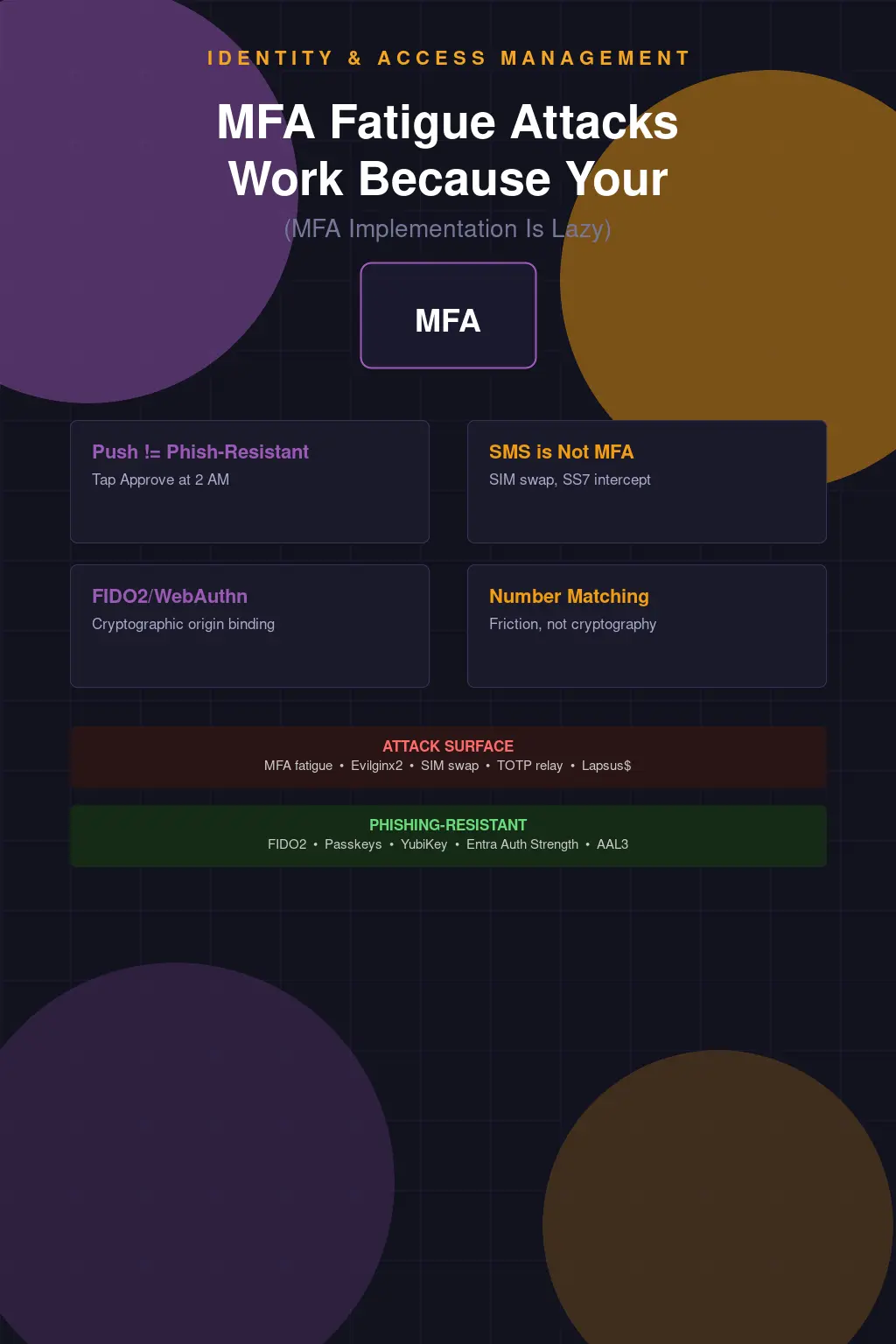
Push Notifications Are Not MFA. They're a Politely Worded Request.
Here's what a typical enterprise MFA deployment looks like in 2024: IT rolls out Microsoft Authenticator or Okta Verify to the entire org, sends a "you're now more secure" email, and calls it a day. The CISO puts a checkmark next to "MFA enabled" on the compliance dashboard. Everyone goes home feeling good. Meanwhile, a threat actor with a valid password is sitting on a laptop in Minsk, hammering your VPN with push requests at 2 AM, waiting for one of your users to tap "Approve" just to make it stop.
That's not a hypothetical. That's the Uber breach. September 2022, a contractor's credentials were compromised — likely purchased off a stealer log marketplace. The attacker couldn't get past MFA, so they didn't try to bypass it technically. They just asked repeatedly. Then they WhatsApp-messaged the target directly, claimed to be from Uber IT, and said the push notifications would stop if the user just approved one. The contractor approved it. Uber's internal infrastructure was then fully compromised, including their PAM tool, their EDR console, their AWS environment, their G Suite. All of it. Because someone tapped a button.
Lapsus$ used the exact same playbook against Cisco earlier that year via Cisco Duo. They also used it against Microsoft, Okta, and a handful of others. This wasn't some novel nation-state technique — it was a group that included teenagers. The vulnerability wasn't technical. It was architectural. You built your MFA on the assumption that users would exercise judgment under social pressure, and that assumption was wrong from day one.
The Real Problem Is That We've Confused Factors with Friction
NIST SP 800-63B draws a line that most enterprise deployments pretend doesn't exist. Authenticator Assurance Level 2 requires something you have plus something you know — that's your standard MFA story. But AAL3 requires a hardware-based authenticator with verifier impersonation resistance. In plain terms: phishing-resistant. The distinction matters enormously, and most organizations are operating at AAL2 while believing they've achieved something close to AAL3 security.
Phishable MFA is any method where the second factor can be intercepted, relayed, or socially engineered out of the user. SMS OTPs are phishable. TOTP codes are phishable. Push notifications are especially phishable because the user doesn't have to know anything — they just have to get tired. Phishing-resistant MFA means the cryptographic proof is bound to the origin. You literally cannot phish it because the credential won't work on a spoofed domain. That's FIDO2/WebAuthn. That's passkeys. That's a YubiKey 5 series doing FIDO2 attestation. That's where you need to be for anything remotely sensitive.
Instead what we've built is an industry-wide habit of calling push MFA "strong authentication." It's not strong. It's better than a password alone. That's a low bar, and we've somehow convinced ourselves that clearing it constitutes a security posture.
SMS OTP Was Never MFA. Stop Defending It.
SIM swapping is not a sophisticated attack. You call a carrier, you social-engineer a rep, you get the target's number ported to a SIM you control. Your OTP arrives on your phone. You're in. SS7 — the signaling protocol that underlies the global telephone network — has known interception vulnerabilities that have been documented publicly since at least 2014 and weaponized by intelligence agencies and criminal groups alike. The GSM Association knows. The carriers know. Nobody's fixed it because fixing it would require replacing infrastructure that cost billions to build.
NIST deprecated SMS OTP as a standalone second factor in SP 800-63B back in 2016. That's nearly a decade ago. And yet you can still walk into Fortune 500 companies with SMS-based MFA protecting their VPNs and remote access infrastructure. The reason is simple: SMS is easy to implement, easy for users to understand, and doesn't require any enrollment hardware or software beyond the phone everyone already has. It checks the compliance box. That's the entire reason it persists — not because it's secure, but because it's convenient and auditors rarely ask follow-up questions.
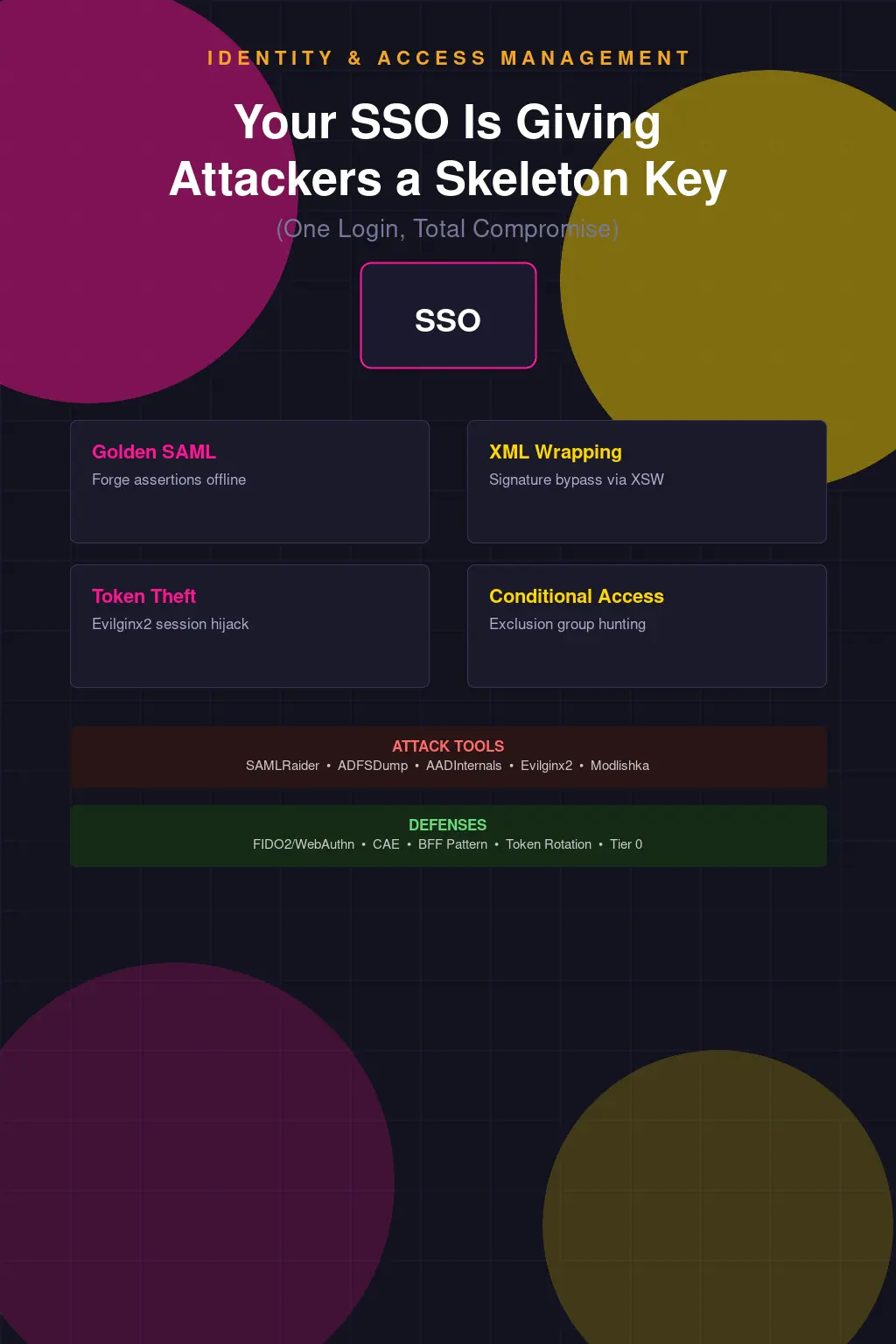
TOTP — the kind generated by Google Authenticator, Authy, or Microsoft Authenticator — is better, but it has its own structural problem. The shared secret that generates those six-digit codes has to live somewhere. It lives on the server and on your device. If that server is compromised, every user's TOTP seed is compromised. You can reconstruct their future codes indefinitely. And TOTP codes themselves are still phishable in real time — adversary-in-the-middle proxies like Evilginx2 will capture and replay them before they expire. The code is valid for 30 seconds. That's plenty of time for an automated relay.
Number Matching Helps. It's Not a Solution.
After the wave of MFA fatigue attacks in 2022, Microsoft responded by enabling number matching in Authenticator by default. The mechanic is simple: instead of just tapping Approve or Deny, the user has to type in a two-digit number displayed on the sign-in screen into the app. The idea is to force a conscious, contextual action rather than a reflexive button tap. It also added additional context — showing the app being accessed and the approximate location of the sign-in request.
This is a meaningful improvement. MFA fatigue attacks rely specifically on the low-friction nature of push approvals. Introducing number matching raises the cognitive bar. A user being spammed with requests at 2 AM who has to type "47" is at least being asked to acknowledge what they're doing. Combined with the contextual information, a reasonably attentive user should be able to identify that the sign-in request is coming from an unexpected location or application.
But "should be able to" is doing a lot of work in that sentence. The Uber attacker combined push spam with direct social engineering — the user wasn't confused about the number, they were directly told by someone impersonating IT to approve it. Number matching doesn't help if your users have been trained to comply with whoever calls claiming to be from the help desk. And it still doesn't solve the fundamental problem: the authentication is phishable. The number displayed on the legitimate sign-in screen can be relayed to the user by a sufficiently motivated attacker. The mechanism provides friction, not cryptographic binding.
FIDO2 Is the Answer. The Adoption Reality Is Complicated.
WebAuthn works by generating a public-private key pair scoped to a specific relying party origin. When you authenticate, the private key signs a challenge from the server. There is no code to intercept, no push to approve, no secret to steal. An adversary-in-the-middle proxy can't relay the authentication because the credential is cryptographically bound to the legitimate domain. If the origin doesn't match, the assertion fails. This is what NIST means by verifier impersonation resistance, and it's why FIDO2 authenticators satisfy AAL3 requirements.
Hardware security keys like the YubiKey 5 series implement FIDO2 with the private key stored in a secure element — it never leaves the device. Passkeys, the consumer-facing FIDO2 implementation backed by the FIDO Alliance and implemented across Apple, Google, and Microsoft platforms, extend this to software-based authenticators synced across devices via encrypted cloud backup. Passkeys are a reasonable middle ground for most enterprise deployments: they're phishing-resistant, they work without additional hardware, and major IdPs are starting to support them properly.
The adoption reality, though, is that passkeys are still inconsistent. Browser support is solid. Application support is spotty. Enterprise identity providers are at different stages — Okta's passkey support is improving but the implementation nuances around device trust and enrollment flows create friction that IT teams don't know how to handle. Microsoft Entra ID is further along, and Entra's authentication strength policies let you actually enforce FIDO2 at the conditional access level — you can require a phishing-resistant credential for specific apps or privileged roles, which is exactly where you should be starting.
The YubiKey path is cleaner technically but introduces operational overhead. Provisioning, replacement when lost, support for remote workers who drop theirs in a toilet — these are real problems. They're solvable problems, but they require actual program investment, not just a purchase order. Organizations that say they "looked at hardware keys but it didn't scale" almost always mean they didn't want to fund the support infrastructure, not that it was technically impossible.
MFA Alone Was Never Going to Save You
Even if you deploy FIDO2 everywhere tomorrow, you've addressed one control in an identity architecture that has a dozen other failure points. Conditional access without device trust is a half-measure — you can authenticate with a phishing-resistant credential from a compromised, unmanaged device and your IdP will happily issue tokens. The token is then valid until it expires, regardless of what happens to the device afterward. If that device is enrolled in your MDM and you've got continuous compliance evaluation running, you can actually revoke access when something changes. If it's a personal device with no EDR and no management plane, you have no visibility and no recourse.
The full defensive picture is layered: phishing-resistant MFA at authentication, device trust enforced through conditional access (Intune compliance policies feeding into Entra CA, or equivalent in your chosen stack), privileged access workstations for administrative functions, and token lifetime policies that limit the blast radius when something does go wrong. None of these are exotic. All of them require actual investment in design and operations rather than checking a box.
The "MFA everywhere" compliance mentality is the thing that actually kills you. It produces environments where push MFA protects a VPN that leads directly to an admin console with no additional controls, where SMS OTP is accepted because the legacy app won't support anything else, where exceptions are granted for "legacy protocols" that never get reviewed and never get remediated. The compliance checkbox says MFA is enabled. The security reality is that you've built a Potemkin village of authentication controls and congratulated yourself for it.
Okta Verify with push is not the same security control as a YubiKey 5 NFC doing FIDO2 attestation against a phishing-resistant relying party configuration. They both satisfy most compliance frameworks' MFA requirement. That gap — between what satisfies a compliance framework and what actually provides security assurance — is where attackers live.
Where to Actually Start
Inventory your authenticator types by application and user population. Most organizations have no idea how many apps are still accepting SMS OTP or legacy password-only flows through protocol exceptions. Run the authentication methods usage report in Entra, pull equivalent data from Okta's system log, and actually look at what's protecting what. You'll find surprises.
Then tier your applications by sensitivity and start enforcing authentication strength at the policy level, not through user education. Entra ID's authentication strength policies let you define a named policy — "FIDO2 or Windows Hello for Business" — and attach it to a conditional access rule. Admins accessing privileged portals hit that policy and can't get through with push MFA. That's the right model: make the secure path the only available path for sensitive resources, rather than hoping users will choose wisely.
For the applications that genuinely can't support modern authentication, your job is to isolate them and document the accepted risk explicitly — not create a blanket exception that never gets reviewed. Legacy application modernization is expensive and slow. That's real. But the answer is a time-bounded remediation plan with compensating controls, not a permanent carve-out that quietly becomes load-bearing infrastructure.
The attack surface for MFA fatigue is specifically the gap between "we have MFA" and "we have authentication that an attacker can't trivially defeat." Close that gap deliberately, with specific controls against specific threat scenarios, and you've actually done something. Deploy push MFA and declare victory, and you've just made the attacker's job slightly more annoying. That's not a security program. That's a press release.